
PCB Design
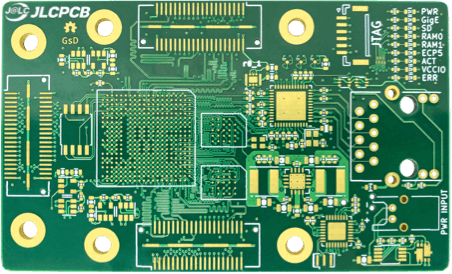
High Frequency PCBs
Description comes here: At nVolts, we engineer robust, high-performance hardware designed to integrate seamlessly into your industrial, agricultural, or laboratory environments. From our proprietary line of NVPLC controllers to high-precision sensors and complete turnkey automation systems, every product is built for reliability and scale.
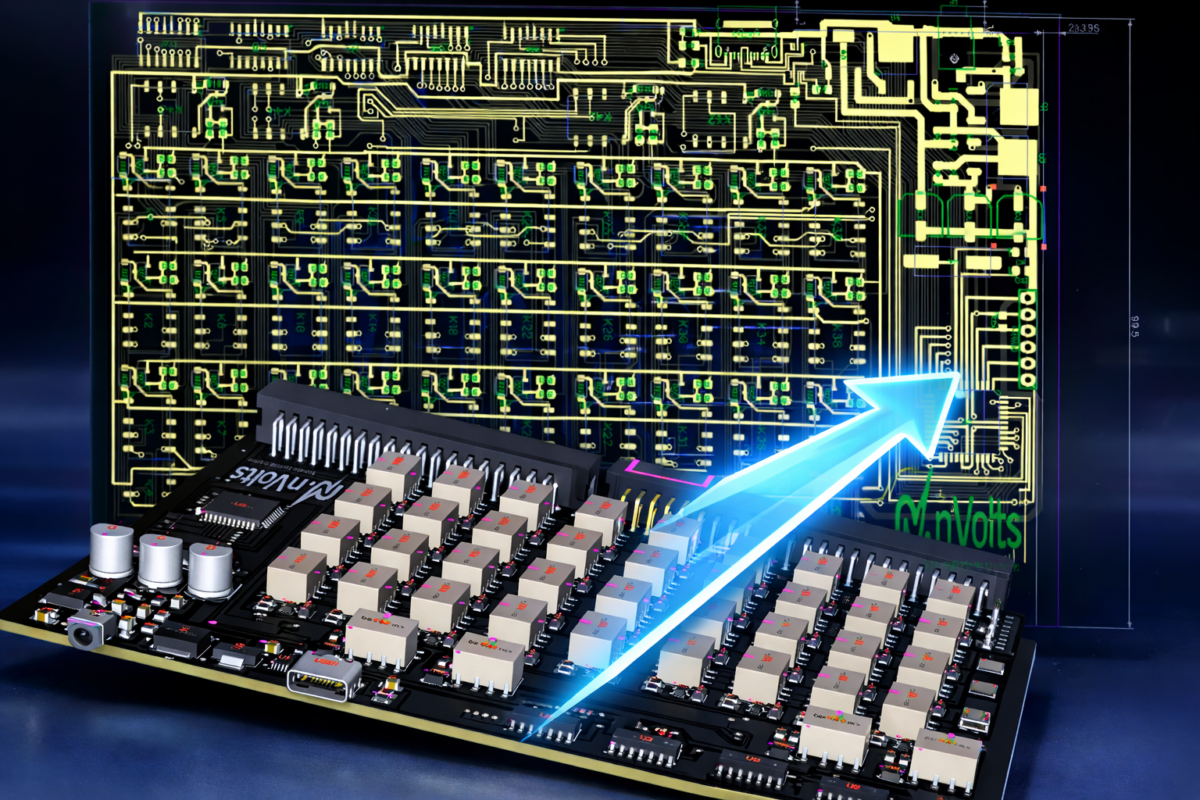
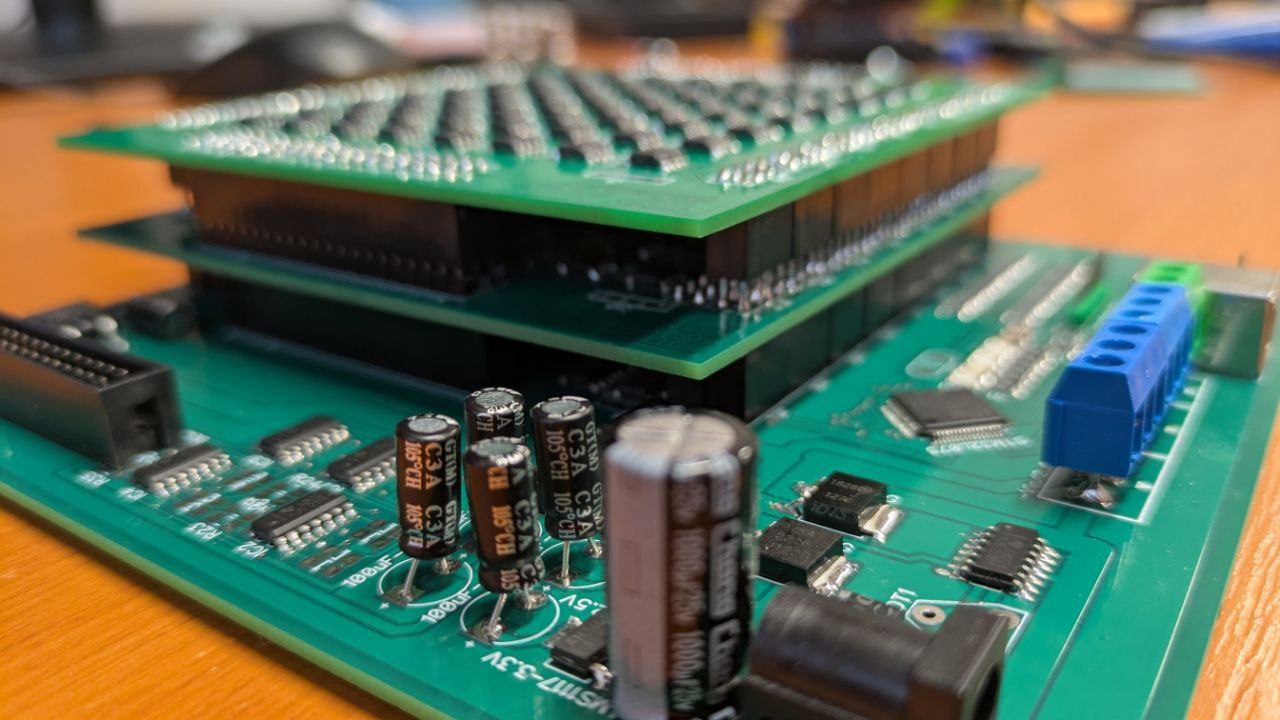
PCB Layout Service
With over 12 years of experience in PCB fabrication, we can help you in swiftly transitioning from concept to production, accelerating your product's time to market.
CAPABILITIES AND SERVICES
- PCB Layout design
- Customizable outline (board cutout)
- In board cutout
- Edge finger
- Multi PCB
- Components selection service
- Up to 40 Layers
- Rigid, Flex, HDI, High-speed, Power boards
How to Order PCB Assembly
Pick & Place File for PCB Assembly
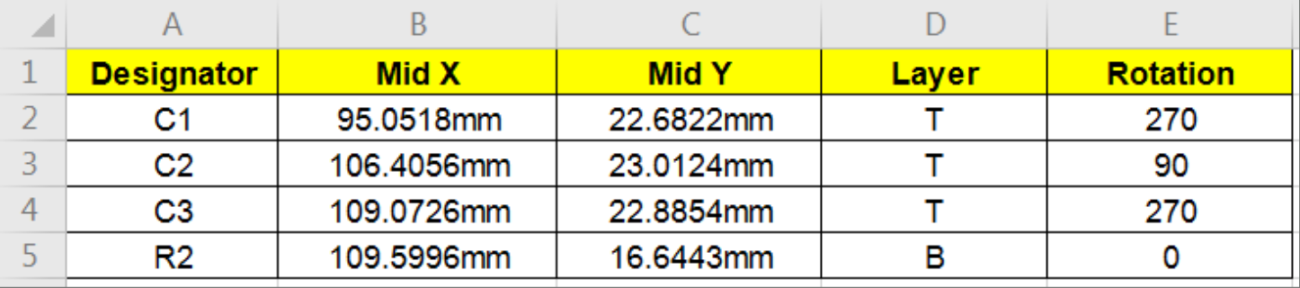
The Pick & Place File / Component Placement List(CPL) is necessary for the proper utilization of pick and place machines. We require Pick & Place data to accurately place the surface mount and through-hole parts on circuit boards. Pick & Place data is the machine file in ASCII text format which comprises reference designator, X/Y locations, rotation, top or bottom side of the board.
The Pick & Place File must contain the information below:
- Designator - Component Reference Designator (e.g. C1, L2, R3)
- Mid X/Mid Y - The X/Y coordinate of the component centroid. Required units: Metric(mm).
- Layer - Top / Bottom, the board side where the component should be placed.
- Rotation - The rotation of the component given in degrees. Positive values are counter clockwise.
Recommended File Format: .csv, .xls and .xlsx.
Below is a Sample Pick & Place File.
Bill of Materials (BOM) File for PCB Assembly
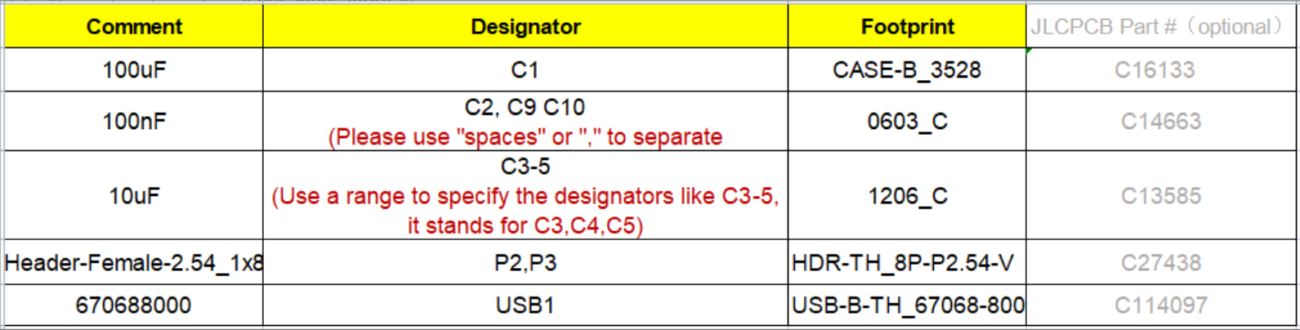
Bill of Materials is a list of all the parts that are needed for PCB Assembly, and matches those parts to the Reference Designators in the PCB layout. The BOM should have details with respect to description of the Part(value), reference designator, package, manufacturer’s part number, etc.
The Bill of Materials (BOM) must contain the information below:
- Comment - Specify the type, specification, tolerance and so on. (e.g. 100nF 80% -20% 50CV)
- Designator - Mark the location of components on your board. (e.g. R201, R20, C100, U1 )
(Note: Please don’t use case distinction to specify your different components, we will turn all the letters into Capital case when using it for production. If you happen to use to case distinction for different parts, please do correct it)
- Footprint - The part package. (e.g. 0402, 0805, SSOP-8)
Recommended File Format: .csv, .xls and .xlsx.
Below is a Sample BOM file:
 DAX – PLC
 Lab equipment
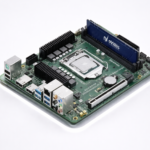 Motherboards
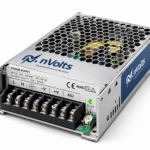 Power supply
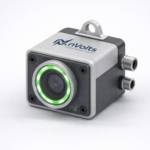 Sensors